Make a TikTok slideshow without CapCut or any video editor.
CapCut is a video editor with a slideshow hidden inside. ShipSlide turns your product into selling slideshows with AI built in. Skip the timeline, skip the learning curve.
- No timeline
- No watermark
- 5 free credits

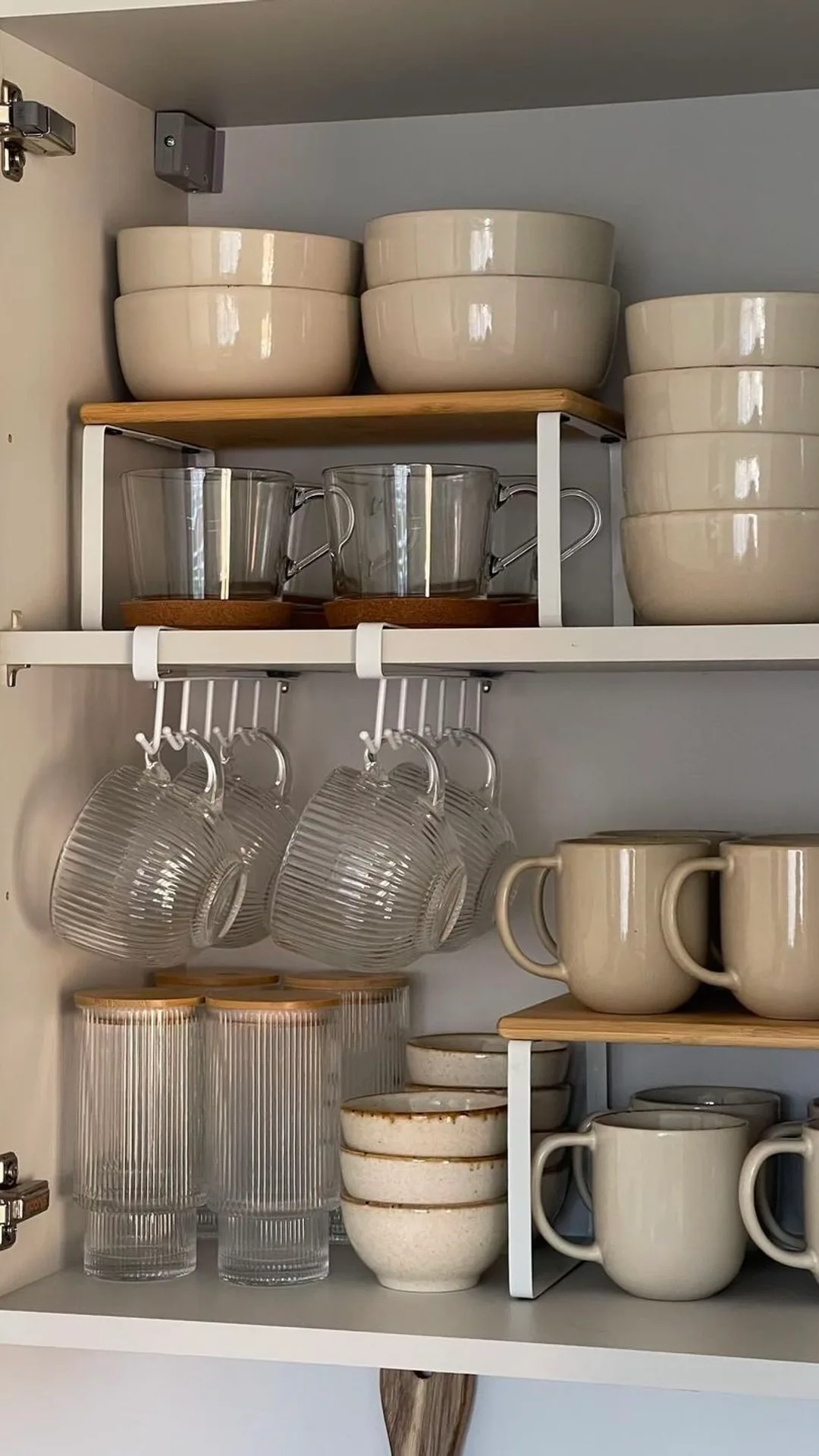
Stop buying decor for CLUTTER
Built for selling slideshows, not video.
No keyframes, no tracks, no export settings. Define, generate, post.
No timeline to learn
CapCut makes you fight a video editor. Here you define your product and the selling slideshow is already built.
AI does the writing
Instead of typing every caption by hand, one click writes your whole deck with selling hooks around your product.

Matcha girls win
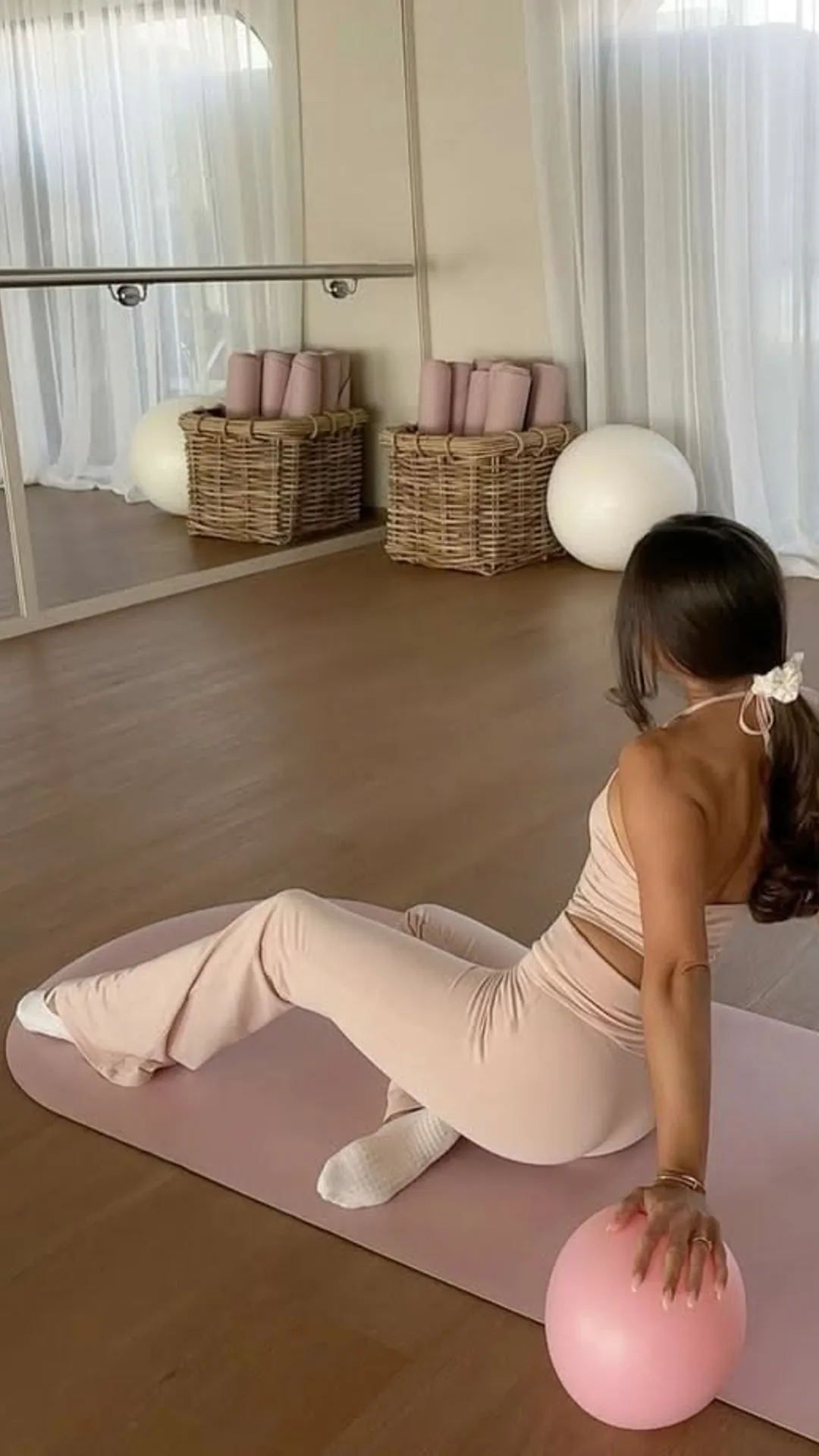
Slow is luxury

Read 50 books

90s is back
Clean export, instantly
No watermark, no render queue, no fiddling with resolution. 1080x1920 with your handle, ready to post.
Sell your product without CapCut, in four steps.
No timeline, no keyframes, no export menu to decode.
Add your product
Define your product so the AI can stage it in a slideshow already laid out for TikTok.
Generate the content
AI writes the selling captions and stages your product, so there is nothing to edit frame by frame.
Adjust in seconds
Rewrite a line or restage a product image with a click, no timeline involved.
Export and post
Download a clean 1080x1920 slideshow with your handle on it, ready to upload to TikTok.
ShipSlide vs CapCut for slideshows.
Why a purpose-built tool beats a video editor for selling your product.
TikTok slideshow without CapCut FAQ
Everything worth knowing before you hit start.
Related guides, niches and tools to sell with.
More ways to promote your product
Your next 30 days of product content start now.
Five free credits, no signup, no watermark. The only thing between your product and a daily TikTok habit is this button.
Free credits - No card required - Cancel anytime